Introducing the RAG Chatbot Module for Omeka S
I've been building a lot with Omeka S lately and one of my favorite recent projects is a Chatbot module that lets visitors have a real conversation with a collection.
Instead of typing keywords into a search box and hoping for the best, you can ask: "Do you have any Roman artifacts from the 2nd century?" or "What have you written about Victorian textiles?" and get a thoughtful, cited answer back.
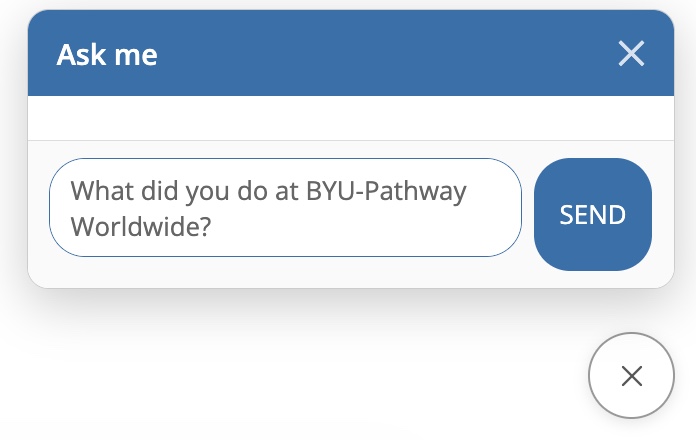
You can try asking, "What did you do at BYU-Pathway Worldwide?" in the chat on the bottom right corner of this page.
How RAG works under the hood
The module uses Retrieval-Augmented Generation (RAG) — a pattern that grounds AI responses in your actual content rather than the model's training data. Here's the pipeline:
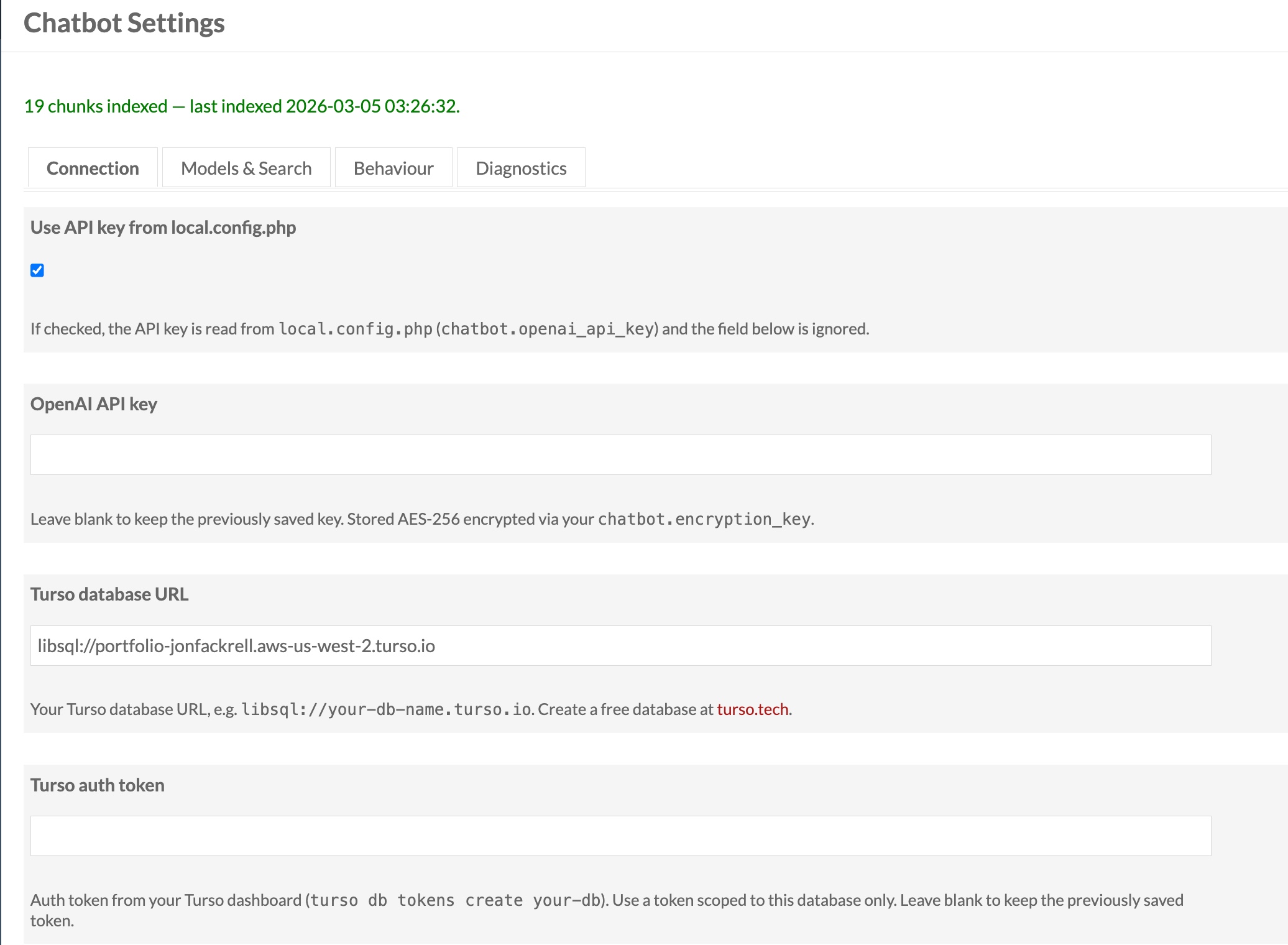
Indexing (happens once, then on each update): Every Omeka S Item's metadata and every Blog Post's content is chunked into overlapping passages (~3,200 characters with 200-character overlap for context continuity). Each chunk is passed through OpenAI's text-embedding-3-large model to produce a 3,072-dimension vector capturing its semantic meaning. Those vectors are stored in a Turso libSQL database with a DISKANN approximate nearest-neighbor index.
At query time: The visitor's question is embedded with the same model, then a vector similarity search retrieves the top-K most relevant chunks from the index — semantically similar passages, not just keyword matches. Those chunks are assembled into a prompt with strict instructions: answer using only this evidence, cite every claim with [N] notation. That prompt goes to gpt-4o-mini (temperature 0.2, max 1,024 tokens), and the response is post-processed to convert citations into clickable links back to the source Items and Blog Posts.
The upshot is that the AI can only say things your collection actually supports, and every claim is verifiable.
Four ways to add it to a site
The module offers four integration points, each suited to different use cases:
1. Global floating widget: Enabled site-wide from the module's admin settings. A circular button appears fixed to the bottom-right corner of every public page. Clicking it opens a slide-up chat panel. The heading is configurable ("Ask our collection" by default). This is the lowest-friction option: zero page editing required.
2. Semantic Search page: A dedicated full-page search experience at /s/:site-slug/search, wired up as a navigation link type so it can be added to the site's menu like any other page. It renders a full-width search interface powered by the same vector index, returning ranked results rather than a conversational response — closer to a "smart search" than a chatbot. Good for sites where you want semantic search to be a first-class destination.
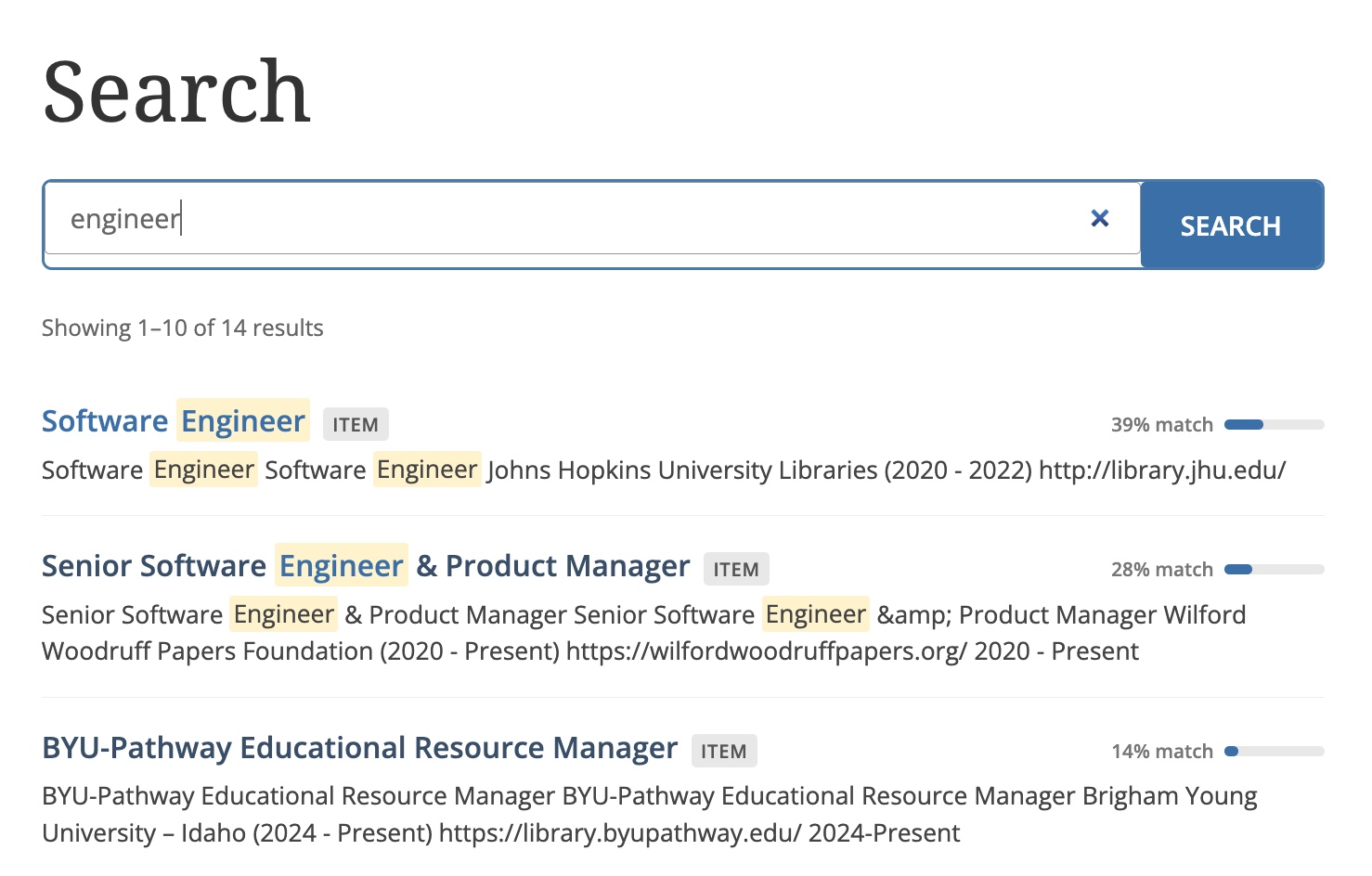
3. Semantic Search block: The same vector search experience as above, but as an inline page block you can drop into any existing site page. Configurable per-block: custom heading, placeholder text, results per page, and optionally restricted to specific item sets.
4. Chatbot block: An inline conversational chat interface (not search results) that can be embedded on any page. Like the global widget but scoped to a single page, with per-block overrides for the system prompt, heading, and item set filtering. Useful for context-specific bots — a "Ask about this exhibition" panel on a collection page, for instance.